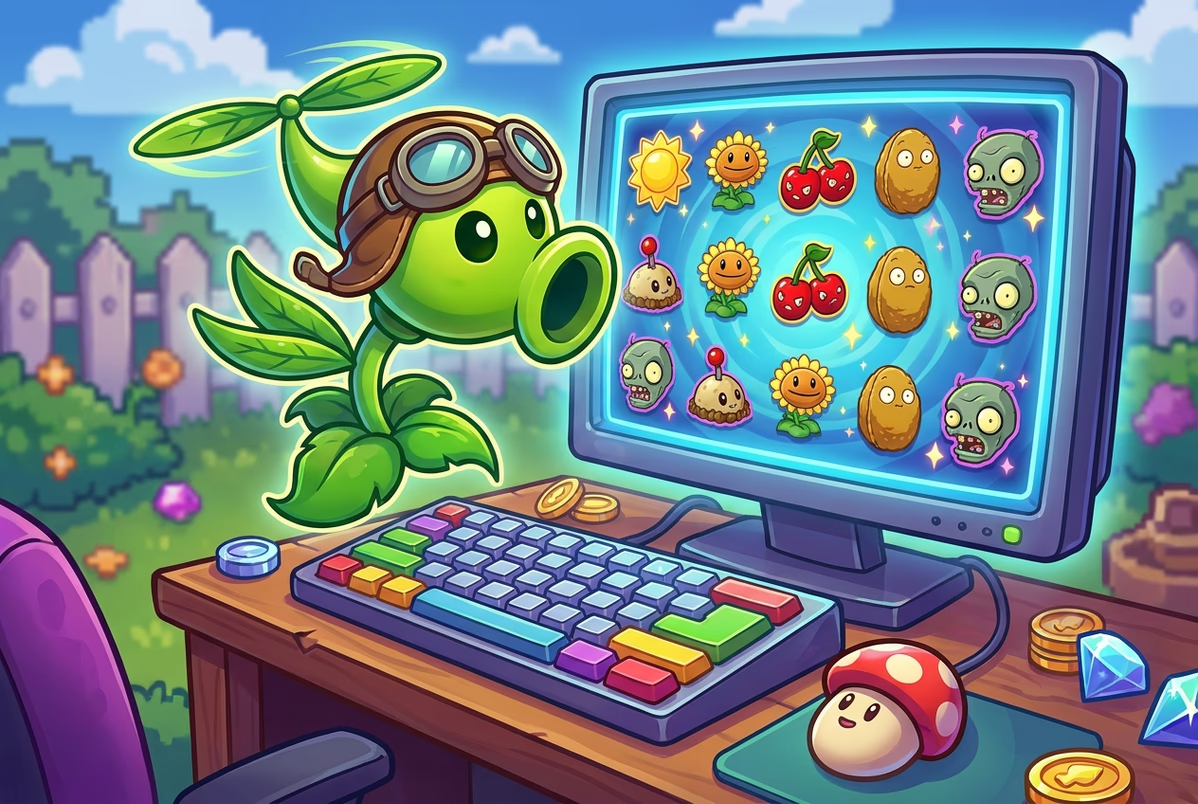
No. Plants vs. Zombies by AWG is a browser-based slot, so on Windows you open it through a casino or demo page and play inside the page itself. There is no confirmed native Windows app or downloadable client for this title.
- Works in any modern desktop browser
- Demo mode lets you try it before wagering
- Full-screen mode is available from the game controls
Getting the game running on your PC
Plants vs. Zombies loads inside the browser window on a Windows PC the same way it does on a slot portal's demo page: click to launch, wait for the assets to load, and the 5-reel, 3-row grid appears with credit, bet, and spin controls in English along the bottom bar. There is no separate download step, since the game runs on standard web technology rather than a client you install.
No dedicated AWG desktop app or APK has turned up in any of the sources reviewed, and none of the casino pages distributing this title mention a proprietary Windows client. That absence is consistent with how most browser-first slot studios operate: the game is built to run inside a page, not as a piece of software you keep on your hard drive.
On the reels themselves you will see a mushroom, cat plant, pear, sunflower, peashooter, and chili pepper alongside card royals from 10 through A, plus a brain wild that substitutes for everything except the scatter and the bonus zombie symbol. The paytable lists five mushrooms at 500x the line bet, four at 125x, and three at 20x, which is the kind of top-end payout you'd expect from a mid-tier classic slot rather than a high-ceiling modern release.
Numbers around this game are inconsistent depending on where you look. RTP figures reported across review sites range from roughly 91.5% to 96%, and payline counts differ too — 20 or 25 on most slot databases versus 9 lines on a Canadian PlayNow listing that appears to be a separate bingo-style mini-game rather than the same slot. Treat that PlayNow version as a different product until a studio-owned source confirms otherwise.
Because the game is browser-based, an active internet connection is required while you play; there's no documented offline mode. If your connection drops mid-spin, the safest move is to refresh the page and check your balance before continuing.
How this compares to similar titles
A separate release under a similar name; don't confuse it with AWG's original slot when searching on Windows.
Listed with 9 lines rather than the 20-25 seen on most slot databases, suggesting a different configuration entirely.
Runs the same reel set and paytable you'd see on desktop, useful for checking the wild and bonus behaviour before playing for cash.
Launch the game on Windows
Open your browser and go to the casino or demo page hosting Plants vs. Zombies by AWG
Sign in to your account, or select the demo option if you just want to try it first
Click the launch or play button and wait for the reel grid to load fully
Set your bet per line and total bet using the on-screen controls before spinning
Press spin, or switch on auto-spin if you want the reels to run on their own for a set number of rounds
What to expect once it's running
- No installation — the game runs directly in your Windows browser
- Top payout on the paytable is 500x the line bet for five mushrooms, a modest ceiling next to higher-volatility modern slots
- A working demo mode lets you check the reels and wild behaviour with no bet at risk
- No bonus buy button appears on the game screen, so the bonus round can only be triggered by landing it naturally
- Wild brain symbol substitutes for everything except the scatter and bonus zombie icon
Windows launch questions
Do I need to download a client to play on Windows?
No. The game opens directly in your browser; no separate Windows app or APK has been documented for this title.
Will the demo on desktop have the same reels and paytable as the real-money version?
Yes, the demo mirrors the same 5x3 grid, symbol set, and paytable values you'd see when playing for cash.
Why does one Canadian listing show only 9 paylines instead of 20 or 25?
That listing appears to be a separate PlayNow bingo-style mini-game rather than the same AWG slot, so treat the two as different products.
Can the brain wild appear during the bonus round on Windows the same way it does in the base game?
The sources confirm the wild substitutes for everything except the scatter and bonus symbol, but detailed bonus-round behaviour isn't documented.
Does the game need a constant internet connection on a PC?
Yes, since it runs through a browser rather than as offline software, a dropped connection means refreshing the page and checking your balance.
Is there a way to buy the bonus feature directly on Windows?
No buy button appears on the game screen, so the bonus round has to be triggered by landing the scatter symbols during play.
Try it on your PC
Once you know how the launch works, you can open the demo or head to a partner casino to play Plants vs. Zombies on your Windows browser. Gambling is for players 19+ (18+ in AB, MB, QC).
Play at partner casino